The Ultimate Resume Guide (From a Recruiter’s Perspective)
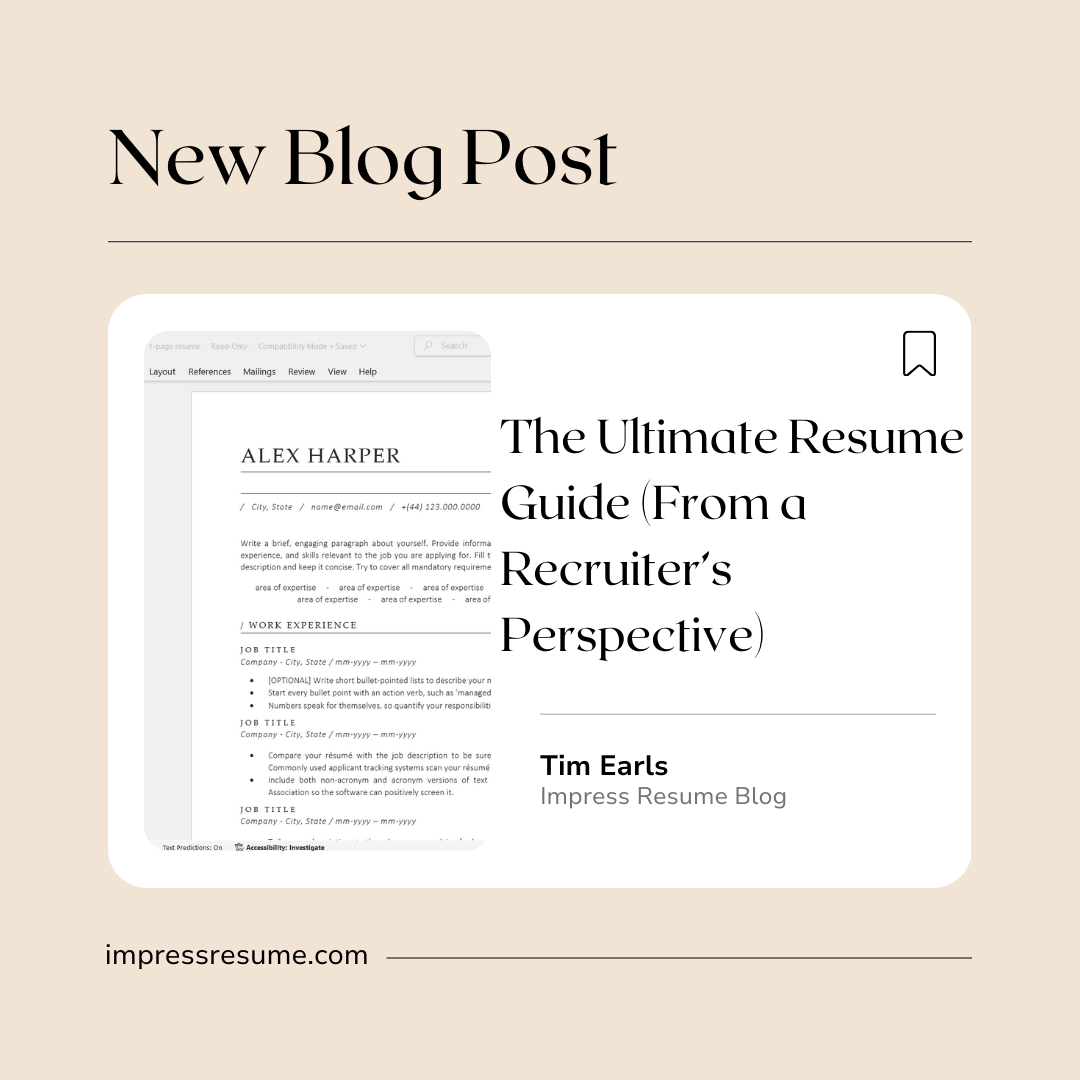
The Ultimate Resume Guide (From a Recruiter’s Perspective)
How to stand out, get seen, and avoid the mistakes that send resumes straight to the “no” pile.
As a recruiter who’s screened thousands of resumes, I can tell you this: most resumes fail for avoidable reasons. The good news? If you follow the strategies below, you’ll instantly be ahead of 80% of applicants.
Let’s build a resume that’s clear, impactful, and designed to pass both humans and ATS.
1. Lead With a Strong Professional Summary
Your summary sets the tone for your entire resume—it’s the first impression before the details.
What to Do
- Show your value in 2–3 lines
- Use keywords from the job description
- Be specific about your strengths
What NOT to Do
- Don’t write a generic summary (Recruiters can spot them instantly)
- Don’t talk about what you want—focus on what you offer
Good Example:
“Customer Service Specialist with 4+ years resolving complex client issues, improving satisfaction scores, and supporting cross-functional teams. Skilled in CRM systems, active problem-solving, and delivering exceptional client experiences.”
Bad Example:
“I’m looking for a job that pays well and lets me grow. I’m a hard worker and fast learner.”
2. Use Action-Oriented Bullet Points
No bullet point should start with “Responsible for…”
Recruiters skim fast—we want to see impact, not chores.
Strong Action Verbs Table
| Category | Action Verbs |
|---|---|
| Leadership | Led, Directed, Coordinated, Supervised, Organized |
| Results/Impact | Improved, Increased, Reduced, Boosted, Enhanced |
| Communication | Presented, Delivered, Explained, Collaborated |
| Problem-Solving | Resolved, Optimized, Streamlined, Diagnosed |
| Technical Tasks | Programmed, Configured, Analyzed, Operated |
3. Show Results — Not Just Tasks
Hiring managers want to know what happened because of your work.
Use:
- Numbers
- Percentages
- Time saved
- Costs reduced
- Customer satisfaction increased
Good Example:
“Managed a daily caseload of 40+ clients, improving scheduling efficiency by 25% and reducing wait times.”
Bad Example:
“Helped schedule appointments.”
4. Include the Right Skills
A good resume balances hard skills, soft skills, and role-specific abilities.
Hard Skills Table
| Category | Hard Skills |
|---|---|
| Administrative | Data Entry, Scheduling, Filing Systems, Reporting |
| Tech/IT | SQL, Python, Troubleshooting, Networking |
| Healthcare | EMR/EHR, Patient Intake, Medication Administration |
| Sales | CRM, Lead Generation, Pipeline Management |
| Industrial | Machine Operation, Quality Inspection, OSHA Compliance |
Soft Skills Table
| Category | Soft Skills |
|---|---|
| Communication | Active Listening, Clear Writing, Conflict Resolution |
| People Skills | Teamwork, Customer Service, Empathy |
| Self-Management | Time Management, Adaptability, Accountability |
| Problem-Solving | Critical Thinking, Creativity, Decision Making |
5. Avoid These Resume Red Flags
If your resume has any of the following, fix it immediately:
Red Flags
- Paragraph-long job descriptions
- Typos or inconsistent spacing
- Listing every job you’ve ever had
- Using an email like hotstuff2000@
- Saying “references available upon request”
- Repeating the same duties for every role
- Not tailoring your resume
Bad Bullet Point Examples Table
| Bad Example | Why it’s bad | Better Version |
|---|---|---|
| “Responsible for customer calls.” | Too vague, no impact | “Handled 50–60 inbound calls daily, resolving billing and service issues with a 95% satisfaction score.” |
| “Worked the register.” | No detail | “Operated POS system to process 200+ daily transactions with accuracy and efficiency.” |
| “Did office tasks.” | Meaningless | “Managed daily administrative operations, including scheduling, email correspondence, and document organization.” |
6. Keep Formatting Clean and ATS-Friendly
Here’s the truth: 75% of resumes never reach a human.
Formatting matters more than you think.
DO:
- Use simple fonts (Calibri, Arial, Helvetica)
- Stick to a clean 1–2 page layout
- Use consistent headings
- Save as PDF (unless employer asks for Word)
- Use bullet points, not paragraphs
DON’T:
- Use text boxes, columns, or heavy graphics
- Use tiny font sizes
- Center-align large sections of text
- Add photos
7. Tailor Your Resume for Every Job
Copy-paste resumes get rejected first.
How to tailor quickly:
- Scan the job posting for repeated keywords
- Add matching skills to your summary + skills section
- Mirror the employer’s language in your bullet points
- Prioritize experience that matches the role
8. A Simple Resume Structure That Always Works
Header
Name • Phone • Email • LinkedIn (optional)
Professional Summary
2–3 lines of value + keywords
Skills Section
Hard skills + soft skills relevant to the job
Experience Section
Job Title — Company — Dates
• 3–6 bullet points with action verbs, metrics, and impact
• Tailored to the job posting
Education
Degree — School — Year
Certifications (optional)
CPR, Project Management, Software Certifications, etc.
9. Final Recruiter Tips
- If you can’t read your resume in 6 seconds, it’s too cluttered
- Always lead with results
- Add metrics wherever possible
- Proofread twice (and once more out loud)
- Your resume isn’t about your history—it’s about your value
If you want a resume template that already follows recruiter best practices, ImpressResume.com has ATS-friendly designs that make writing easier, faster, and more polished.